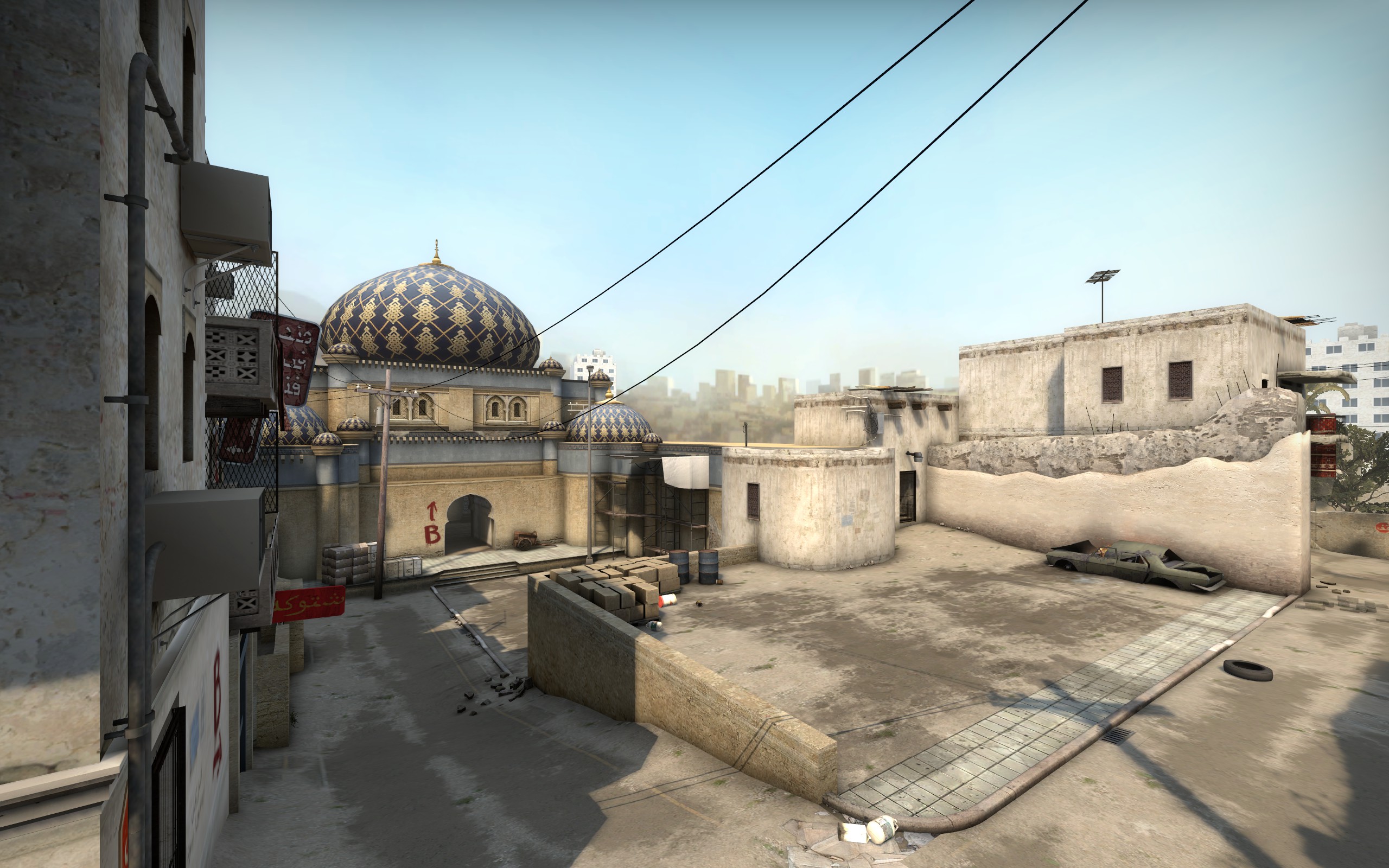
One site. Five reasons players arrive.
The homepage should make the user feel understood within seconds. Instead of making them browse categories first, we lead with the problem they are already trying to solve.
“I changed something in CS2 and now it feels worse.”
That is the exact kind of user CLUTCHSET is built for: launch commands, config files, binds, scaling, network behavior and patch-specific fixes.
Open Launch Options guide →The pages users should hit first.
These cards make the homepage feel editorial, but each one still has a very practical outcome. The site never turns into a generic “gaming news” portal.
Best CS2 launch options — what actually helps?
Separate useful commands from old CS:GO leftovers, placebo tweaks and patch-sensitive advice.
Autoexec not working? Fix it in the right order.
Filename extension, correct folder, exec test and patch-related breakages without the usual confusion.
Jump-throw bind: why your old config broke.
Understand the Valve input change before copying another outdated forum workaround.
Categories that sound like the player’s problem.
I would avoid generic labels such as “Articles” or “Resources.” These category names should match the language people use when they search.
Performance & FPS
Launch options, graphics, frame pacing and “high FPS but bad feel.”
12 guide ideas →Configs & Autoexec
Paths, execution, binds, broken commands and clean config structure.
9 guide ideas →Resolution & Display
Stretched, black bars, blur, refresh rate and GPU scaling.
10 guide ideas →Network & Jitter
Packet loss, ping spikes, sub-tick symptoms and connection checks.
8 guide ideas →Binds & Controls
Jump throw, movement, mouse behavior and outdated command syntax.
11 guide ideas →Settings Compare
4:3 vs 16:9, FPS cap choices, sensitivity and setup tradeoffs.
Comparison-first →After an Update
What broke this patch, what is actually confirmed, and what to ignore.
Patch-aware hub →Beginner Setup
A clean baseline for players who do not want to copy 30 random “pro” tweaks.
Start clean →The site should feel like a decision engine, not a blog.
Every route starts with the symptom and ends with the next action. That is what gives CLUTCHSET a reason to exist even when Reddit already has the discussion.
Not every visitor wants a “fix.” Some want a choice.
This section gives the homepage a second job: helping users compare settings and approaches before they change anything.
4:3 stretched vs 16:9 native
Clarity, width, scaling behavior and competitive preference in one side-by-side page.
FPS cap vs uncapped
Frame pacing, latency, stability and the “why does uncapped feel worse?” question.
Launch option vs autoexec vs in-game setting
Show users where a setting actually belongs instead of making them paste everything into launch options.
NVIDIA scaling vs AMD scaling
Different driver paths for the same stretched-resolution problem.
Three signals that separate this from a random guide site.
The homepage should communicate trust before users even open an article. Especially in CS2, where old commands remain searchable long after they stop being useful.
Dates matter.
Old advice is labeled as old advice. Major changes are explained instead of silently overwritten.
The verdict is above the essay.
Users see what to do, what to avoid and what to test before the background detail.
Forum signal, official context.
Use Reddit/Steam to discover recurring problems, then ground important changes in primary or reliable sources.
A small update feed — not a news site.
This keeps the homepage alive without turning CLUTCHSET into generic CS2 news. Only changes that affect configs, settings, binds or performance belong here.
Make “I have a CS2 problem” become “I know exactly where to click.”
That is the strongest version of Concept 01: not flashy for the sake of it, but memorable, fast, useful and scalable to hundreds of search-driven pages.